1. Create a Configuration Object
This is actually a user input interface, allowing the script to read user-defined variables and make the script run according to different user configurations (bet size, multiplier, etc.). It is always placed at the very beginning of the script.
var config = {
  bet: { value: 1, type: 'number', label: 'Bet' },
  x: { value: 1.98, type: 'number', label: 'Multiplier' }
};
2. Main Function
Next comes the main() function. All of your program logic should be implemented inside the main function, which runs after the user clicks on Run Script, providing you with objects that you can use to interact with the game.
function main () {
  console.log(config.bet.value);
}
3. Game Starting Event
Inside the main() function write methods game.onBet (or game.on("GAME_STARTING", function () {})) and game.onGameEnd where game.onBet—the game is ready to start, you can only guess at this time, game.onGameEnd—game over.
function main () {
  game.onBet = function() {
    console.log('a game is starting')
  }
  game.onGameEnd = function(arrayOfRecentGameObjects) {
    console.log('game over')
    console.log(arrayOfRecentGameObjects[0]); // -> recent game object
  }
}
4. Plaats uw inzet
Inside the method game.onBet we make a bet game.bet. The method takes 2 parameters, the bet size and the desired multiplier. It returns a promise with the value of the multiplier.
game.bet(config.bet.value, config.x.value).then(function(payout) {
  console.log(`Payout: ${payout}`);
  console.log(payout >= config.x.value ? 'Win :-)' : 'Lost :-/');
});
The Sequence of Method Calls
main()game.onBetgame.betgame.onGameEndpromise<number>ofgame.betthat returns payout
Nanogame’s Crash Script Complete Code
var config = {
  bet: { value: 1, type: 'number', label: 'Bet' },
  x: { value: 1.98, type: 'number', label: 'Multiplier' }
};

function main() {
  log.info("Starting a Strategy for Crash Game");

  game.on("GAME_STARTING", function () {
    game.bet(config.bet.value, config.x.value).then(function(payout) {
      console.log(`Payout: ${payout}`);
      console.log(payout >= config.x.value ? 'Win :-)' : 'Lost :-/');
    })
  });

  game.onGameEnd = function(arrayOfRecentGameObjects) {
    console.log(arrayOfRecentGameObjects[0]); // -> recent game object
    console.log(arrayOfRecentGameObjects); // -> array of recent game objects
  }
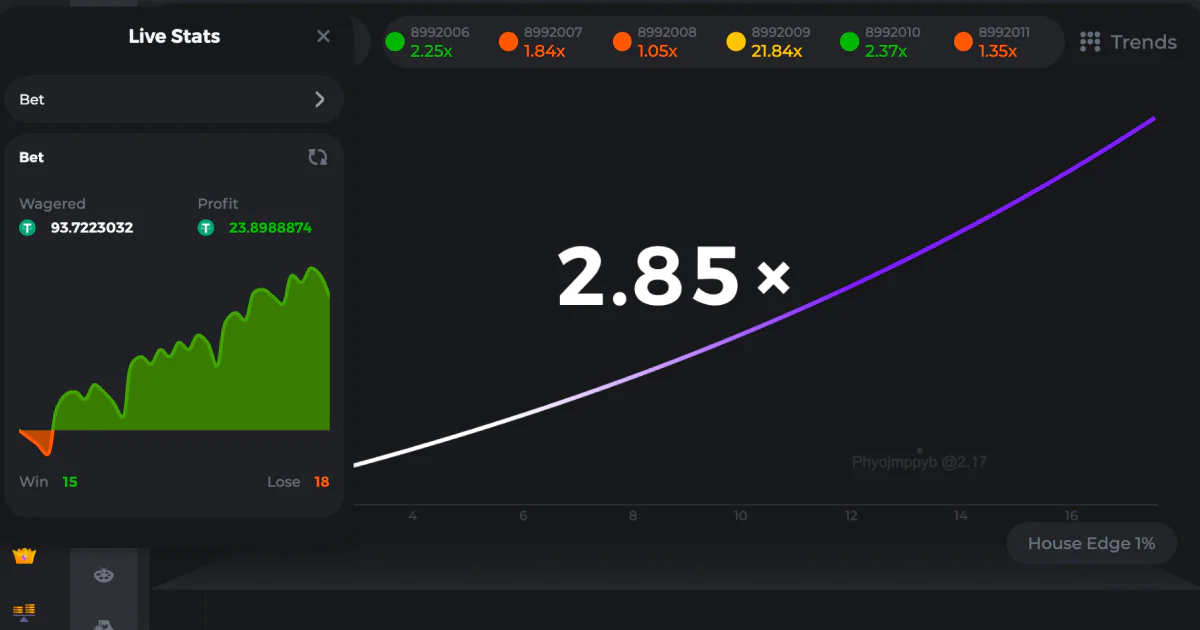
}


Crach